Device Security

Best Practices to Protect Your Smartphone Against Cyber Threats

In an age where smartphones are essential but vulnerable, adopting best practices for mobile security is critical. Regular software updates, strong passwords, and cautious app downloads significantly enhance protection against cyber threats. By staying informed and proactive, users can safeguard their personal data and enjoy a safer digital experience.

Best Practices to Protect Your Smartphone Against Cyber Threats Read Post »

Device Security

The Importance of Security in Daily Productivity Apps: Essential Tips and Tools

In an age of increasing cyber threats, securing daily productivity apps is vital for protecting sensitive information and enhancing operational efficiency. By implementing strong passwords, multi-factor authentication, and regular updates, businesses can significantly reduce risks and maintain trust within their teams. Prioritizing security ensures a safer, more productive work environment.

The Importance of Security in Daily Productivity Apps: Essential Tips and Tools Read Post »

Device Security

The Importance of Regular Software Updates for Device Security

Regular software updates are essential for device security, protecting against cyber threats and vulnerabilities. These updates enhance functionality, improve performance, and introduce new features. Neglecting them increases the risk of data breaches and malware attacks, underscoring the need for proactive maintenance in today’s digital landscape.

The Importance of Regular Software Updates for Device Security Read Post »

Device Security

Strategies for Monitoring and Managing App Permissions on Mobile Devices

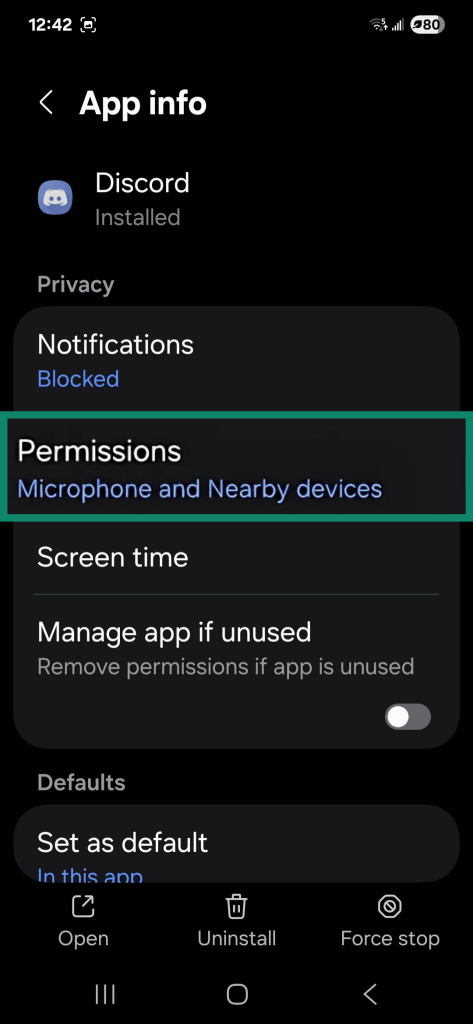
Effective strategies for monitoring and managing app permissions on mobile devices are crucial for protecting user privacy and security. Regularly reviewing permissions, utilizing built-in tools, and researching apps can significantly enhance data safety. Adopting these proactive measures empowers users to control their digital presence and safeguard sensitive information.

Strategies for Monitoring and Managing App Permissions on Mobile Devices Read Post »

Device Security

The Risks of Using Public Wi-Fi Networks and How to Mitigate Them

Public Wi-Fi networks offer convenience but come with significant risks, including data interception and malware threats. To enhance security, users should employ strategies like using a VPN, activating two-factor authentication, and avoiding sensitive transactions. Staying informed and practicing safe habits can mitigate public Wi-Fi drawbacks while ensuring secure connectivity.

The Risks of Using Public Wi-Fi Networks and How to Mitigate Them Read Post »

Device Security

Security Strategies to Protect Your Data in Fitness and Language Learning Apps

As reliance on fitness and language learning apps increases, protecting sensitive personal data becomes essential. Implementing robust security strategies, such as strong passwords, two-factor authentication, and regular privacy reviews, empowers users to enjoy these apps while safeguarding their privacy against potential cyber threats and data breaches.

Security Strategies to Protect Your Data in Fitness and Language Learning Apps Read Post »

Device Security

Security in Language Learning Apps: Tips to Protect Your Data

Language learning apps offer great flexibility but come with data security risks. Users must prioritize personal data protection, understand privacy policies, and utilize strong passwords and two-factor authentication. By implementing proactive security measures, learners can enjoy a secure and enriching experience while mastering new languages.

Security in Language Learning Apps: Tips to Protect Your Data Read Post »

Device Security

Safety Tips for Daily Productivity Apps: Maximize Your Efficiency Without Compromising Your Privacy

In an increasingly digital world, productivity apps enhance efficiency but can compromise your privacy. This piece outlines essential safety tips, including managing data sharing, utilizing strong passwords, and regularly reviewing privacy settings. By prioritizing security, you can effectively maximize productivity without jeopardizing personal information.

Safety Tips for Daily Productivity Apps: Maximize Your Efficiency Without Compromising Your Privacy Read Post »

Device Security

How to Use Two-Factor Authentication to Increase the Security of Your Accounts

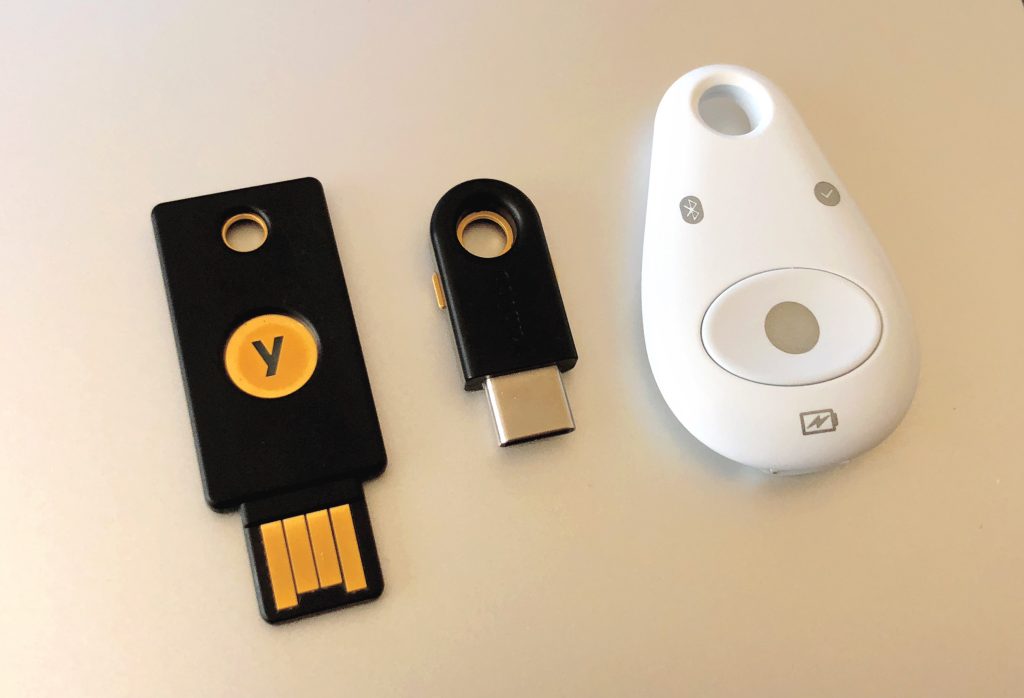
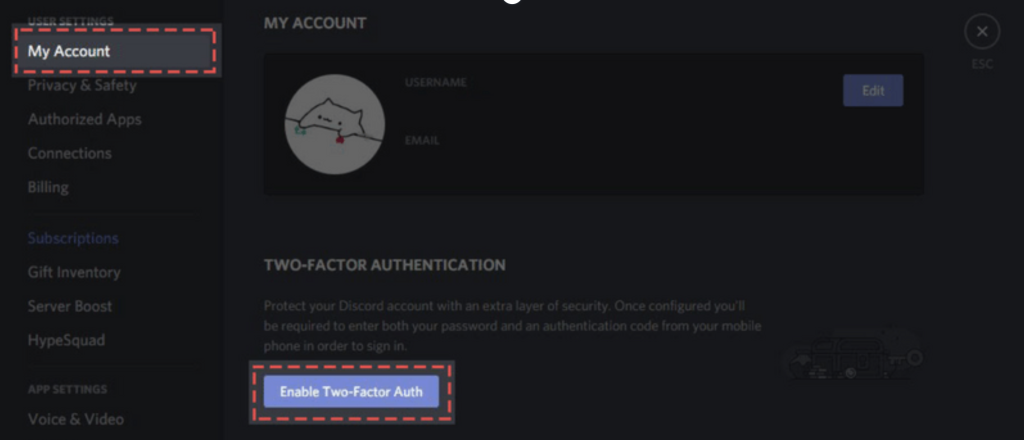
Two-Factor Authentication (2FA) significantly enhances online account security by requiring an additional verification step beyond passwords. This essential practice mitigates risks of unauthorized access and identity theft, empowering users to protect their personal information in an increasingly connected digital landscape. Implementing 2FA is a crucial defense against cyber threats.

How to Use Two-Factor Authentication to Increase the Security of Your Accounts Read Post »

Device Security

How to Use Strong Passwords and Password Managers to Enhance the Security of Your Devices

Learn to enhance your device security with strong passwords and password managers. Discover best practices for creating unique, complex passwords and how password managers streamline this process. Regular updates and vigilance against phishing are essential for safeguarding your sensitive information against evolving cyber threats.

How to Use Strong Passwords and Password Managers to Enhance the Security of Your Devices Read Post »

Device Security

How to Protect Your Photo Editing Apps with Passwords and Two-Factor Authentication

In the digital age, safeguarding your photo editing apps with strong passwords and two-factor authentication is essential. These security measures protect your creative work from cyber threats and unauthorized access, ensuring your artistic integrity and peace of mind. Regular updates and vigilance against phishing are also vital for comprehensive protection.

How to Protect Your Photo Editing Apps with Passwords and Two-Factor Authentication Read Post »

Device Security

How to Ensure the Security of Daily Productivity Apps and Maximize Their Efficiency

As daily productivity apps become essential in modern work, ensuring their security is crucial. Implementing strong passwords, two-factor authentication, regular updates, and access control safeguards sensitive data while maximizing efficiency. Organizations must cultivate a culture of cybersecurity awareness to protect against evolving threats and enhance workflow productivity.

How to Ensure the Security of Daily Productivity Apps and Maximize Their Efficiency Read Post »

Device Security

Best practices to protect your mobile devices against malware

In today’s digital landscape, safeguarding mobile devices against malware is crucial. Implementing best practices like using reputable security software, keeping apps updated, and being cautious with downloads can significantly enhance protection. Staying vigilant and informed is essential to defend against evolving cyber threats targeting sensitive information.

Best practices to protect your mobile devices against malware Read Post »

Scroll to Top