
Understanding the Balance Between Convenience and Security
In an era where time is a precious commodity, many individuals rely on productivity apps to streamline their workflows, keep track of their commitments, and enhance their overall effectiveness. From task organizers and calendar apps to note-taking platforms, these tools are designed to make our lives easier. However, amidst this reliance on technology, it is important to take a step back and assess the implications of our digital habits, particularly when it comes to privacy and security.
A pivotal first step in this assessment is understanding data sharing. Many productivity apps collect various forms of data, including personal information like your location, email address, and even usage patterns that can reveal sensitive information about your habits and preferences. For example, a popular task management app might ask for access to your contacts and calendar, which raises the question: what is this data being used for? In most cases, data helps improve user experience, but it can also be sold to third-party advertisers or used in less transparent ways. Understanding these elements can empower users to make informed decisions when selecting which apps to utilize.
Password Management
The challenge of maintaining security extends to the management of passwords. With countless apps requiring individual passwords, it can be tempting to recycle an easy-to-remember option across multiple platforms. This practice, however, poses a substantial risk. If one app experiences a data breach, not only is your information vulnerable, but it might also expose you to further risks across all applications using the same password. To mitigate this, using strong, unique passwords for each app is essential. Consider utilizing password managers that can generate and store complex passwords for you, ensuring that your accounts remain secure while you focus on productivity.
Regularly Reviewing Privacy Settings
Another aspect that cannot be sidelined is privacy settings. Most productivity apps come with a menu of privacy options that can be tailored to your level of comfort. Periodically reviewing these settings not only protects your data but can also enhance your user experience. For instance, you might find that certain apps can function effectively without sharing your location or that notifications can be managed to prevent constant disruptions. Regularly reassessing and adjusting these settings helps you maintain control over how much information you are sharing and with whom.
Utilizing productivity apps should not be viewed as a sacrifice of your personal information. By embracing safety tips, you can thrive in both effectiveness and security. The landscape of productivity technology is ever-evolving, and being proactive about your privacy is essential. As you transition into a more organized lifestyle, remember to keep your sensitive information safeguarded. Through this awareness and adjustment, you can ensure that your productivity journey is not only efficient but also secure.
DISCOVER MORE: Click here to dive deeper
Choosing the Right Apps: Research and Reviews Matter
When it comes to productivity apps, the vast array of choices can be overwhelming. However, opting for the right applications is crucial to both enhancing efficiency and protecting your privacy. Before downloading, take the time to conduct thorough research. Look for reviews from reputable sources that discuss not only the app’s features but also its privacy practices and security measures.
Consider using tools like the App Privacy Report available on many mobile platforms, which reveals what data an app collects and how it is utilized. For instance, if an app frequently requires permissions that seem unnecessary for its functionality—such as a task manager asking for access to your camera or microphone—this could be a red flag. Selecting apps with a transparent privacy policy can help mitigate various privacy risks.
Look for End-to-End Encryption
One essential feature to prioritize in productivity applications is end-to-end encryption. This technology ensures that your data is encrypted on your device and can only be decrypted by the intended recipient. While many popular productivity apps boast of advanced features, not all provide adequate data protection. For example, if you use a team collaboration tool, ascertain that discussions, files, and comments are securely encrypted to minimize the chances of unauthorized access, especially when dealing with sensitive information.
Be Cautious with Integrations
Productivity apps often offer seamless integration with other services to enhance user experience. However, every integration poses potential risks. By connecting a productivity app to another service, you may inadvertently grant it access to your personal data. To stay secure while maximizing efficiency, consider the following:
- Avoid integrating unnecessary apps: If a connection does not directly improve your workflow, it may be best left unused.
- Read permissions carefully: Always review what type of access you are granting when integrating apps. Does it need access to your contacts or accounts? If not, reconsider.
- Limit sharing: If collaboration is required, limit integration only to those who absolutely need it. This reduces potential exposure to sensitive data.
By being cautious about integrations and performing adequate research, users can significantly reduce the risk of data breaches and privacy invasions while using productivity apps. Protecting your information doesn’t have to come at the expense of productivity; rather, such practices can lead to a more efficient and secure experience. As you explore the landscape of digital productivity, keep these safety tips in mind to foster a harmonious balance between efficiency and privacy.
| Safety Tip | Description |
|---|---|
| Use Strong Passwords | Implement complex passwords combining letters, numbers, and symbols to enhance security. |
| Two-Factor Authentication | Enable 2FA on apps to provide an extra layer of protection, ensuring only authorized access. |
| Data Encryption | Select productivity apps that offer end-to-end encryption to protect sensitive information. |
| Regular Updates | Keep your apps updated to safeguard your data against new vulnerabilities and security threats. |
When exploring the myriad of available productivity apps, the emphasis on maintaining privacy cannot be overlooked. Each of these safety tips not only enhances your efficiency but significantly reduces the risk of data breaches. Establishing robust security protocols, such as using strong passwords and enabling two-factor authentication, is essential in an increasingly digital workspace. Investing in applications that prioritize data encryption protects your sensitive information from unauthorized access. By adhering to these guidelines, you empower yourself to fully leverage productivity apps without compromising your privacy. Furthermore, staying informed about updates can further shield your personal data from emerging threats. These factors collectively foster a safer, more efficient work environment that aligns with your productivity goals.
DIVE DEEPER: Click here to discover more
Managing Your Data: Best Practices for Privacy Protection
Once you’ve chosen the right productivity apps, focusing on data management becomes paramount. Understanding how your data is stored, shared, and managed significantly impacts your privacy. Here are several effective strategies to consider:
Regularly Review and Update Privacy Settings
Most productivity apps provide various privacy settings that can be tailored according to individual preferences. After installation, take the time to thoroughly explore these settings. Adjust them to limit data access and sharing. For instance, disable location tracking functionalities that may not be relevant to the app’s primary purpose, such as password managers or document editing tools. Keeping your app settings updated is essential, especially when new features are introduced that could alter your privacy parameters.
Limit Data Synchronization
Data synchronization across multiple devices can improve accessibility; however, it also increases vulnerability to unauthorized access. To maintain control over your information, consider limiting the types of data synchronized. For example, ensure that only the essential files or tasks are synced rather than entire folders that may contain sensitive personal information. Additionally, utilize local storage options where available, as they can provide another layer of security against online threats.
Regularly Backup Your Data
Data loss can be just as damaging as privacy breaches. To maximize productivity without jeopardizing privacy, establish a strict backup routine. Utilize encryption tools for your backups to ensure your data remains protected even if it’s stored remotely. Cloud service providers often offer security features, but it’s advisable to research their encryption standards and practices before entrusting your data to them. Maintaining updated backups also allows for quick data recovery, should the need arise, without the risk of compromising your sensitive information.
Be Wary of Public Wi-Fi
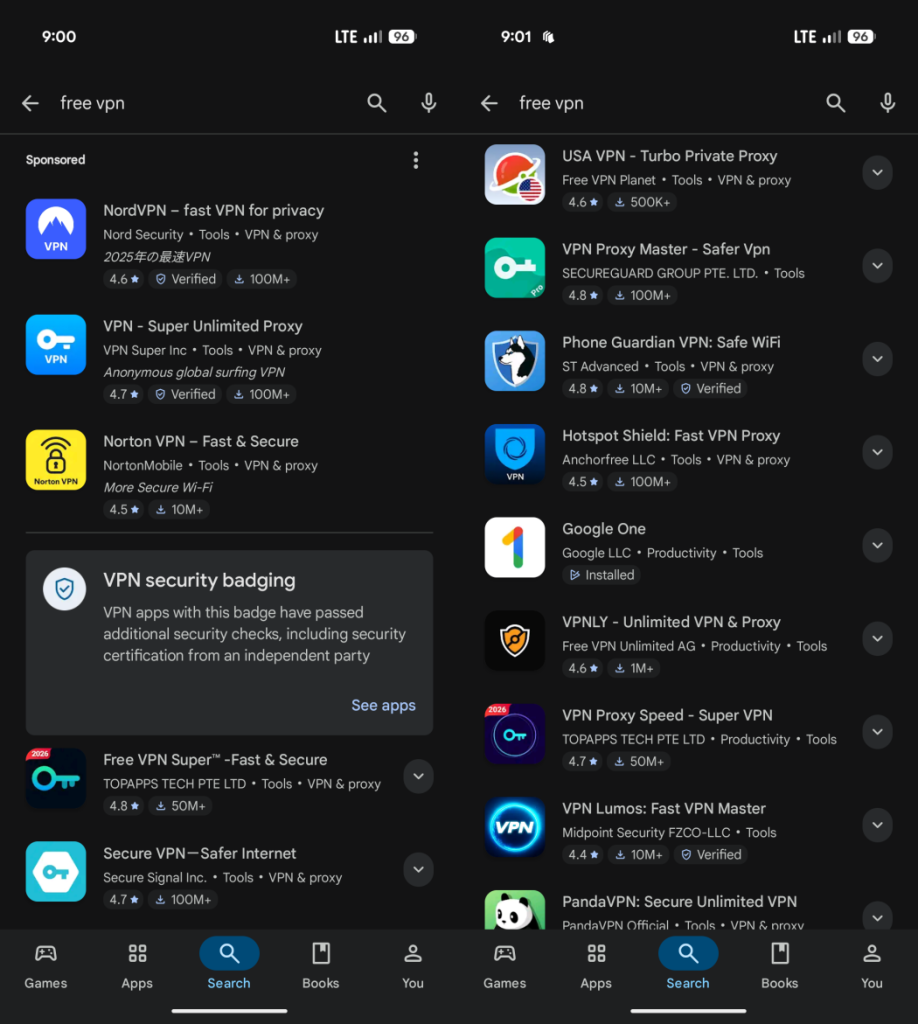
Using productivity apps while connected to public Wi-Fi can expose your data to hackers and cybercriminals. When on-the-go, consider utilizing a Virtual Private Network (VPN) to create secure connections. A VPN encrypts your online activity, making it significantly difficult for malicious actors to intercept your data. Additionally, avoid accessing sensitive information or performing important tasks while on unsecured networks, as the risks can far outweigh any convenience.
Use Strong, Unique Passwords
Passwords are often the first line of defense in digital security. Implementing strong and unique passwords for each productivity app can drastically reduce the risk of unauthorized access. Utilize password managers to help create and store complex passwords, ensuring that they are difficult for others to guess. Enabling multi-factor authentication wherever possible adds an additional layer of protection, making it even harder for intruders to compromise your accounts.
As the digital workspace evolves, the need for data protection becomes increasingly vital. By actively managing your data, adjusting app privacy settings, and employing robust security measures, you can seamlessly enhance your productivity while safeguarding your personal information. Remember, the balance between efficiency and privacy is achievable through diligent practices and informed choices.
DISCOVER MORE: Click here for additional insights
Conclusion: Striking the Balance Between Efficiency and Privacy
In our increasingly digital world, the integration of productivity apps into our daily routines is not just a trend, but a necessity for many. However, as we harness these powerful tools to streamline tasks and enhance efficiency, it is vital to remain vigilant about our privacy and data security. By implementing the safety tips discussed throughout this article, including regularly reviewing privacy settings, limiting data synchronization, and utilizing secure networks, users can take significant strides in protecting their sensitive information.
Moreover, understanding the importance of strong passwords and the role of encryption can dramatically reduce the risk of unauthorized access. As cyber threats become more sophisticated, staying informed and proactive about personal data management is essential. In particular, leveraging tools such as VPNs can provide additional layers of security while on the go.
Ultimately, the journey towards maximizing productivity without compromising privacy requires a balanced approach. By making informed choices and adopting best practices, users can enjoy the full capabilities of their productivity apps, all while protecting themselves from potential vulnerabilities. As technology continues to evolve, so too must our strategies for safeguarding our digital lives, ensuring that efficiency and privacy coexist harmoniously in our daily endeavors.
Related posts:
Security in Photo Editing Apps: Keep Your Images and Data Safe
How to Ensure the Security of Daily Productivity Apps and Maximize Their Efficiency
How to Protect Your Apps to Save Money: Essential Security Tips
How to Protect Your Photo Editing Apps with Passwords and Two-Factor Authentication
The Importance of Security in Fitness Apps: Protecting Your Health Data
Protecting Your Language Learning Apps: Ensuring User Privacy and Security

Beatriz Johnson is a seasoned digital lifestyle strategist and green tech writer with a passion for demystifying sustainable technology and eco-conscious living. With over a decade of experience at the intersection of innovation and sustainability, she specializes in topics like smart home solutions, renewable tech applications, and global trends in green digitalization. Through her work on our platform, Beatriz empowers readers to make informed choices about adopting planet-friendly technologies while optimizing their digital lives for both efficiency and environmental impact.